Cross-platform
LocalSend is available for Windows, macOS, Linux, Android, and iOS. Share between phone and desktop without staying inside one vendor ecosystem.
A detailed breakdown of what LocalSend offers for secure, fast local network file sharing across every major platform.
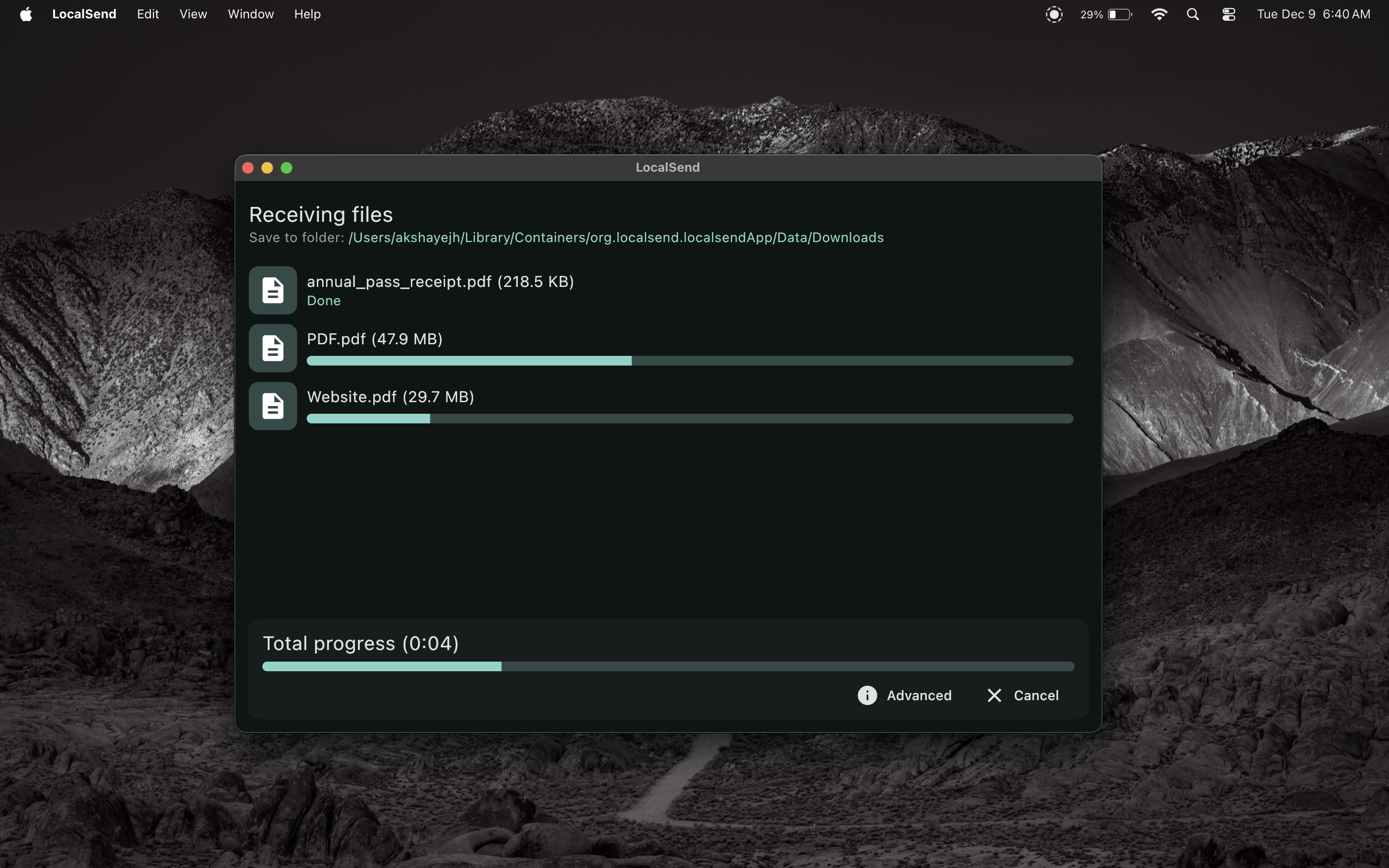
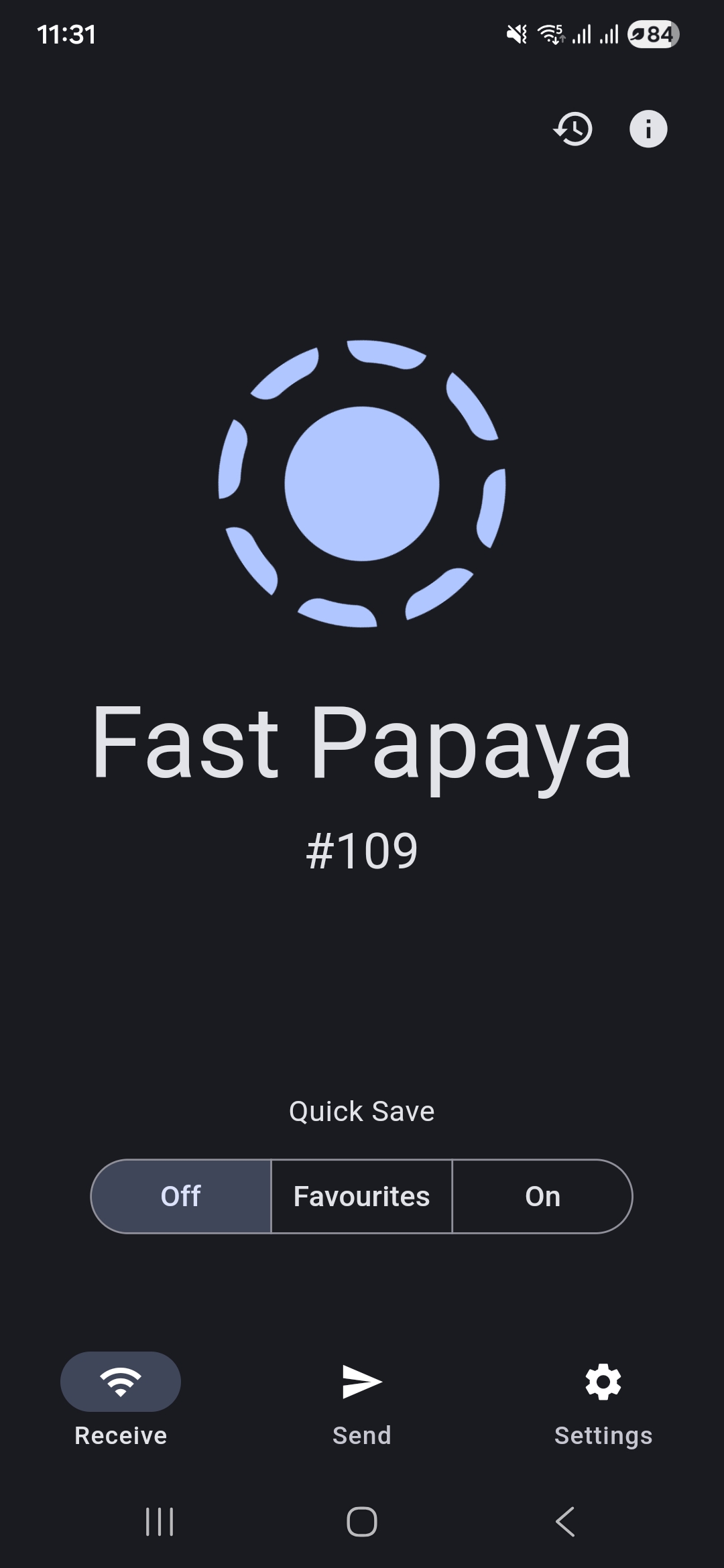
LocalSend is available for Windows, macOS, Linux, Android, and iOS. Share between phone and desktop without staying inside one vendor ecosystem.
End-to-end encryption ensures that only you and the recipient can access your files. Transfers use HTTPS, and you can enable PIN verification for extra security.
Works completely offline. Your data never leaves your local network. Ideal when cloud tools are blocked, slow, or unnecessary.
Transfer files at the maximum speed of your WiFi network. No bandwidth limits from a remote server standing between your devices.
Choose photos, videos, documents, or text. Any file type is supported, so everyday and professional transfers stay simple.
Just install and start sharing. Nearby devices appear on the same local network so you can tap to send without complex setup.
LocalSend does not require any account or login. Install the app and start sharing without creating credentials.
LocalSend is 100% free and open source. There are no ads, no tracking, and no hidden costs built into the product experience.
Visit the troubleshooting guides for common local network issues, destination folders, and antivirus notes.
Open Guides Download LocalSend